
Code Analysis
From controller to repository.
AI-POWERED API ANALYSIS
ApiLense Agent reads your source code, traces business logic, generates tests, and finds defects with evidence — so you can build reliable APIs faster.
Try a safe sample project — no installation required.
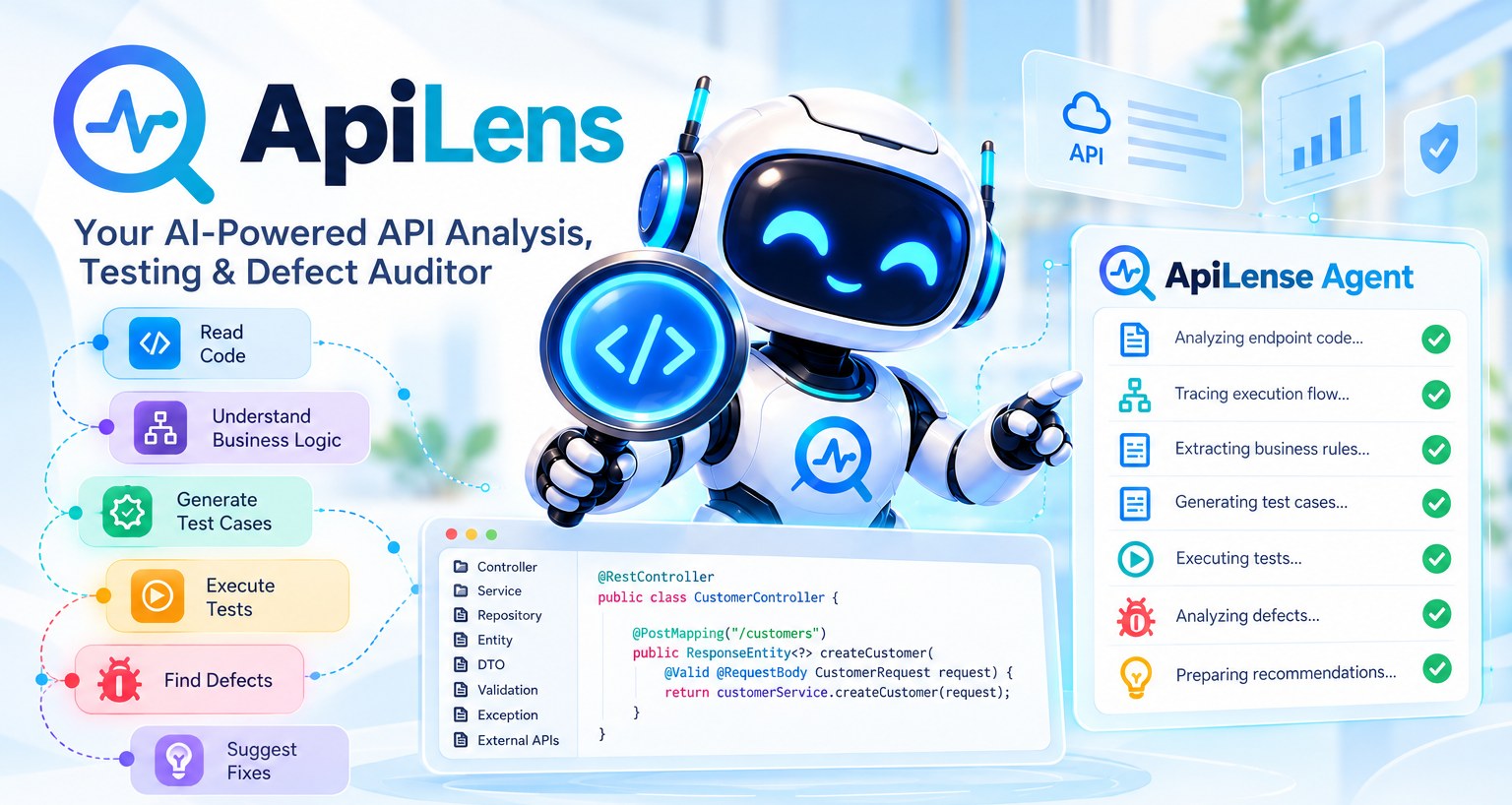
From controller to repository.
Discover validations and logic.
Positive, negative and boundary scenarios.
Run and validate APIs automatically.
Find issues with exact code location.
Get code-level recommendations.
This is the real workspace, filled from a synthetic sample. Nothing here is your code, and the test results are simulated.
Create a customer
Loading the sample project…
Sample data. A synthetic sample project, not your code; test results are simulated. Open the interactive demo
Every defect carries its evidence: the request that failed, the verified file and line, and a fix you can review. This is the real sample project.
Loading the sample project…
ApiLense runs on your laptop or your own server. This is how the agent is designed to behave. Banks, insurers and hospitals: see how customer data stays in your services.
Self-hosted: your source and traffic stay on your machine or network. Tests run only against an environment you authorise for the project.
Sign-in with admin and member roles and per-project access.
Passwords, tokens, keys and card numbers are masked before anything is stored.
Logs and stack traces shown with a defect are redacted first.
The agent proposes a diff. It never changes your files; you review and apply it.
Create a project, copy the ingest key, then choose the way that suits the service.
Point an existing agent or collector at ApiLense.
-Dotel.exporter.otlp.protocol=http/json
-Dotel.exporter.otlp.endpoint=
  http://HOST:8081/api/v1/otlp
-Dotel.exporter.otlp.headers=
  x-apilens-key=alk_...
Java: download three classes and add three lines of properties. Go and Python are one import.
new ApiLensClient(
  "http://HOST:8081",
  "alk_...", "orders-api")
Post a batch of events over HTTP.
POST /api/v1/ingest
X-ApiLens-Key: alk_...
{"events":[{...}]}
Also included: live API health beside every endpoint (latency, error rate, risk), spec drift, Try it, a service map, Slack/Teams/webhook alerts and masked failing examples.
NEW · APILENSE CLOUD
Your own private development services, hosted by ApiLense. No Docker on your laptop and no servers to look after: create a service, download one settings file, and your code connects.
Your services
PostgreSQL 16
Your own database for tables, procedures and test data. Write SQL in the browser and press Validate to check it without saving anything.
Kafka compatible
Topics that carry events between your services. Send a test message and read every message as a clear card with key, headers and body.
RabbitMQ · AMQP
Queues for background jobs and work messages. See what is waiting, who is consuming, and peek at a message without taking it.
Redis compatible
Fast keys for caching, sessions and counters. Try get, set, counters and expiry with buttons and see each answer laid out clearly.
Nothing to remove for production. Spring Boot reads it as its own profile, and other languages let environment variables win, so your production settings stay exactly as they are.
# application-apilenscloud.properties
# run with: spring.profiles.active=develop,apilenscloud
spring.datasource.url=jdbc:postgresql://apilens.org:5433/al_…
spring.kafka.bootstrap-servers=apilens.org:9093
spring.rabbitmq.host=apilens.org
spring.data.redis.host=apilens.org
# + usernames and passwords, already filled in
# app.py  (settings come from apilens_cloud.py)
import psycopg, redis
from apilens_cloud import DATABASE_URL, REDIS_URL

db = psycopg.connect(DATABASE_URL)
cache = redis.Redis.from_url(REDIS_URL)
// app.js  (settings come from apilensCloud.js)
const cloud = require('./apilensCloud');
const pool = new Pool(cloud.database);
const kafka = new Kafka(cloud.kafka);
// main.go  (settings come from apilenscloud.go)
pool, err := pgxpool.New(ctx, apilenscloud.DatabaseURL)
opt, _ := redis.ParseURL(apilenscloud.RedisURL)
rdb := redis.NewClient(opt)
// appsettings.Development.json
"ConnectionStrings": {
  "ApiLensDatabase": "Host=apilens.org;Port=5433;…"
},
"ApiLens": { "Streams": {…}, "Queue": {…}, "Cache": {…} }
# apilens-cloud.env  (Docker: env_file)
APILENS_DATABASE_URL=postgresql://al_…@apilens.org:5433/…
APILENS_KAFKA_BOOTSTRAP=apilens.org:9093
APILENS_RABBITMQ_URL=amqps://…@apilens.org:5671/…
APILENS_REDIS_URL=rediss://…@apilens.org:6380
ApiLense Cloud is for development and testing. Use your company's own servers for production.
Unlimited API requests on every plan. No usage meters.
For one person, learning or side projects
Free, self-hosted
For developers who need more
Ask for access, pay once approved
For teams and companies
Billed monthly, cancel any time
Prices are in US dollars. To start a plan, write to us and we will set you up. See the refund policy.
No. ApiLense runs on your computer or your server and stores data in its own database there.
Both work. Run it from your IDE for local testing, or use the Docker setup with PostgreSQL on a server and put it behind HTTPS.
No. Events go into a small queue and are sent in the background. If ApiLense is unreachable they are dropped, and your service carries on.
Any company or team using ApiLense for shared work. Personal learning and side projects use the free plan.
Try the live demo or create your free account to connect your own project.
Questions about the organization plan, support or a demo.
Contact details have not been added yet. The administrator adds them under Settings in ApiLense.